

Only Owners can toggle the Kill Switch: a Company Owner over everything below, an Org Owner over their organization, a Project Owner over their project and its Guardians. Admins, Members, and Viewers cannot.
Activate
Open the project’s Settings → General → Danger Zone and choose Activate Kill Switch.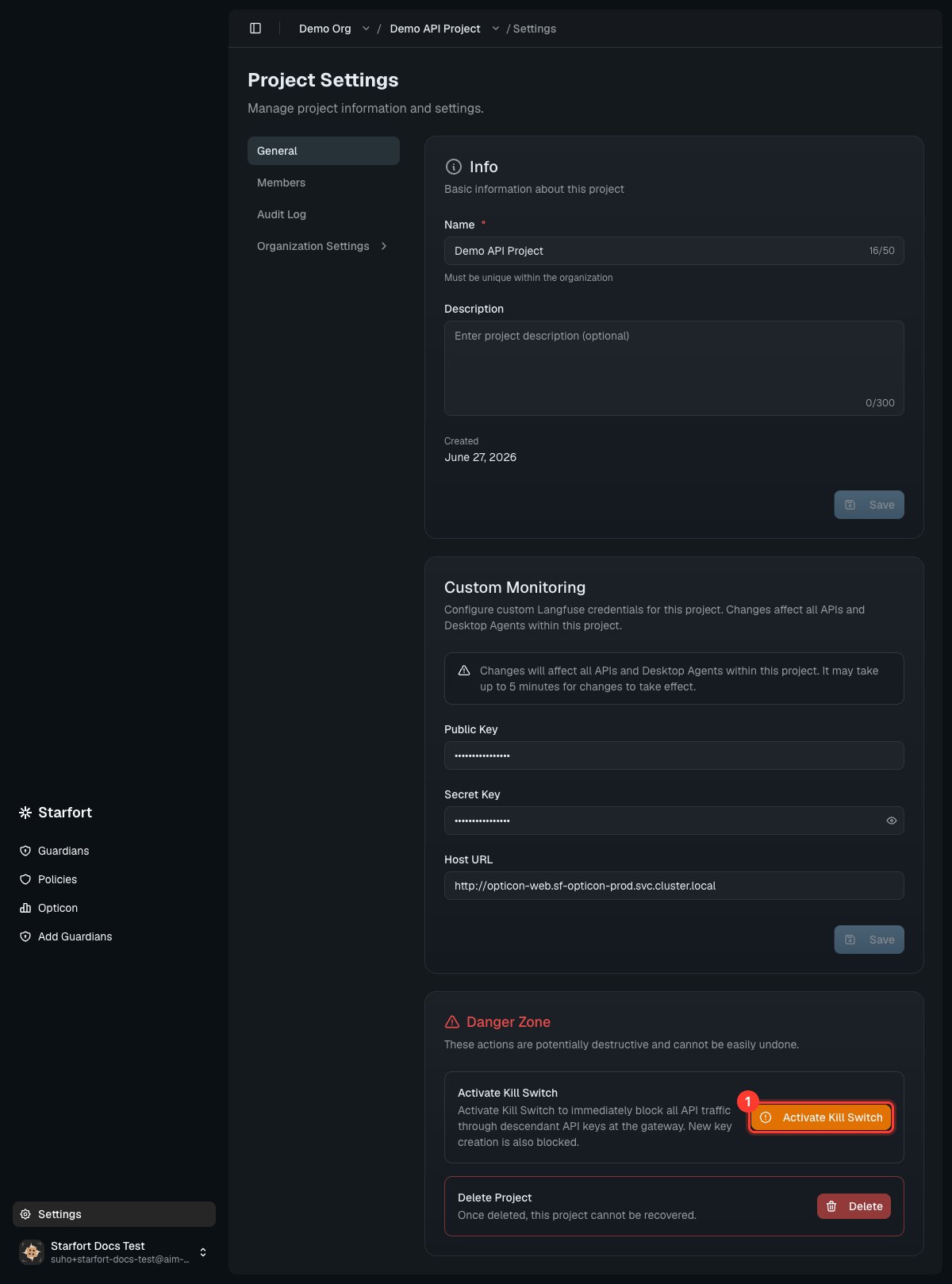
Activate the Kill Switch (Danger Zone)
- All traffic beneath it is blocked at the gateway — even for Active API keys. Key states are left untouched and resume the moment you clear the switch (the two are independent, checked separately on every request).
- New API-key creation is blocked anywhere beneath an active switch.
- Desktop Agents under the level receive the blocked response and stop the outbound request to the AI service.
How it plays out on the batch paths
On the real-time path, request, inspection, and outbound delivery are fused into one call, so activation blocks requests inline and immediately. On the batch paths, intake and completion are separated in time — so the same goal (immediate containment) is enforced differently per path. An activation at any tier propagates to the batch paths beneath it. Stratum grading batch — external-transfer freeze. Classification is internal analysis and creates no external exposure by itself, so instead of halting the classification work, Starfort freezes the outbound gate:
S3 de-identification batch — immediate stop, no output. This batch’s output is the write to customer storage (
tgt), so continuing to process means continuing to export. It stops rather than freezes:
Reprocessing after deactivation is a re-submission of the same
src — de-identification reproduces identically on re-run, so there is no notion of resuming a stopped job.