

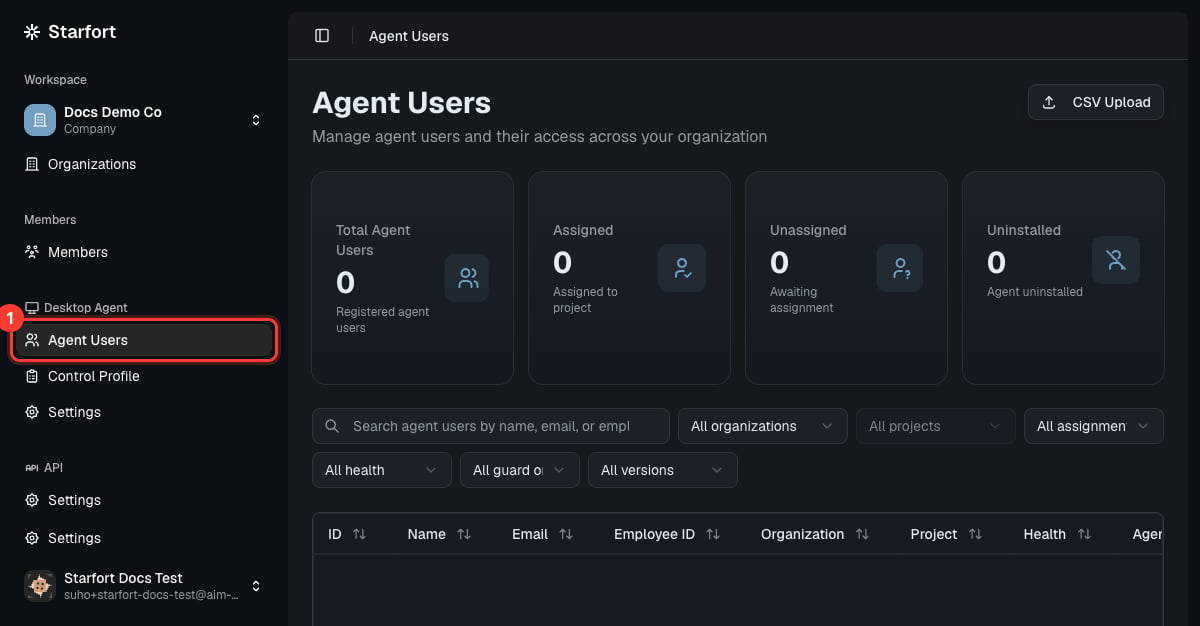
Agent Users
How users register
Employees register their Agent with the Company Access Key (issued in Desktop Agent settings) — see Register the Desktop Agent. Each device is identified by the Company Access Key plus an Agent ID the Agent generates for itself on first run. Newly registered users appear here as Unassigned, where you assign them to a project.Assign users
Select one or more Unassigned users, fill in the mapping — name, email, employee ID, organization, project — in a batch or one at a time, and assign them to a project. From that moment the project’s Control Profiles apply automatically; there’s no separate permission step. Within a company, an Agent User’s email and employee ID must each be unique.What the modes mean
Each Agent User shows a mode (derived from whether it’s assigned and whether you’ve paused it):
Separately, a Health indicator (Online / Offline / Uninstalled) shows the device’s connectivity — independent of its mode.
Remove a user
- Self-deregister — when a user uninstalls the Agent (via the Uninstaller), the device is removed, its slot is reclaimed against the count limit, and its token is invalidated. Health becomes Uninstalled.
- Hard Delete — you can permanently remove an Agent User yourself, in any state — useful for a lost/retired device or a GDPR cleanup. It reclaims the slot and invalidates the token.