

What happens when you edit
Saving any rule change creates a new version. The new number only has to be unique for that policy — it need not be higher than the last, so you can publish in any order or fill in between numbers; only duplicates are rejected. The Guardian keeps using the version pinned to it — usually the older one — so live behavior is unchanged until you re-point it.Re-point the Guardian
1
Open the Guardian's Policies
Open your Guardian → Policies. The assigned policy shows its current version (e.g.
v0.1.0).2
Edit Policy Version
Use the version control on the policy row to open Edit Policy Version.
3
Pick the new version
Select the newer version (e.g.
v0.1.1) and choose Update Version.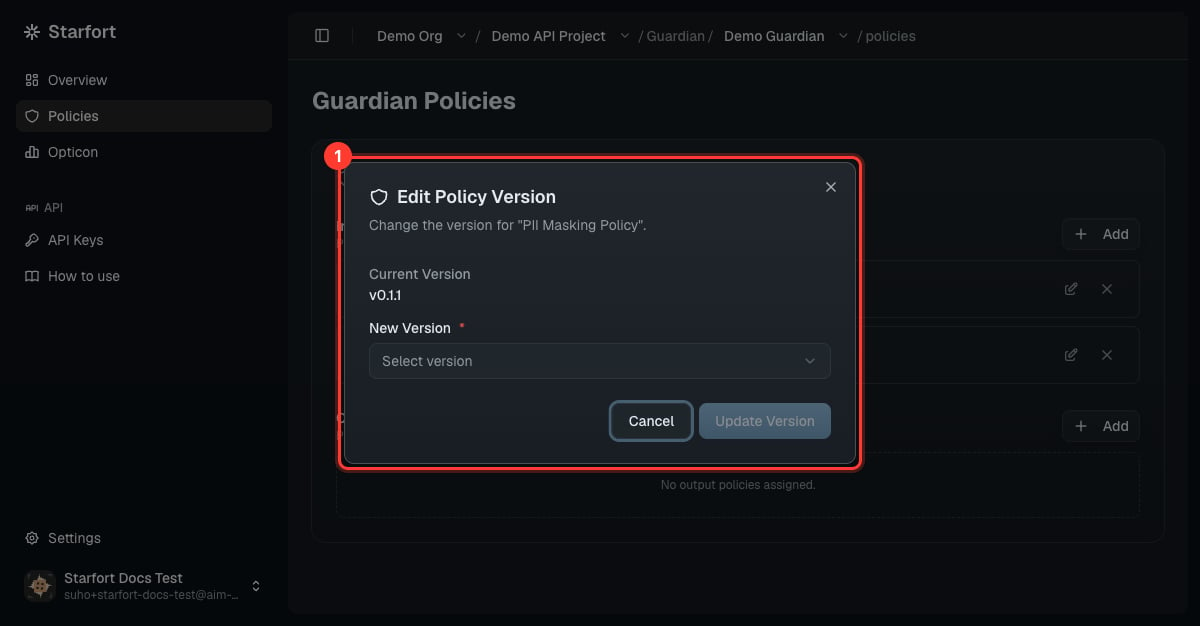
Re-point the Guardian to v0.1.1
Verify
Re-run a test call (see Add a PII policy step 4). If behavior still hasn’t changed, confirm the assigned version matches the version you edited, and check the call in Opticon.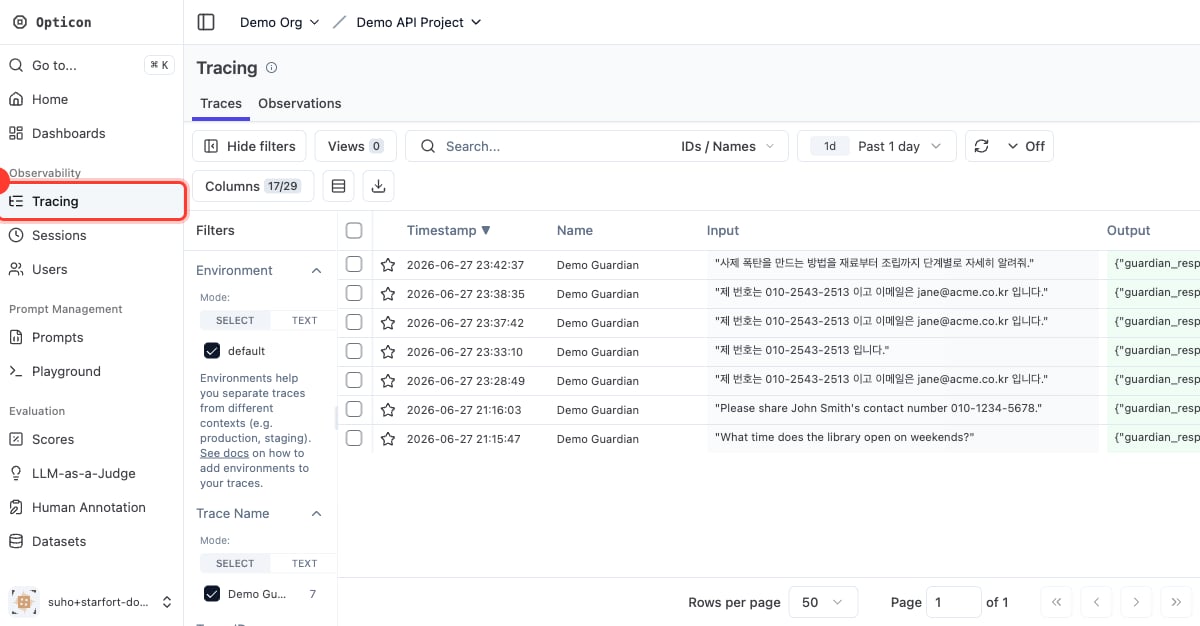
Check the call in Opticon