

Create a key
Open your Guardian → API Keys → Add API Key, give it a name, and Create.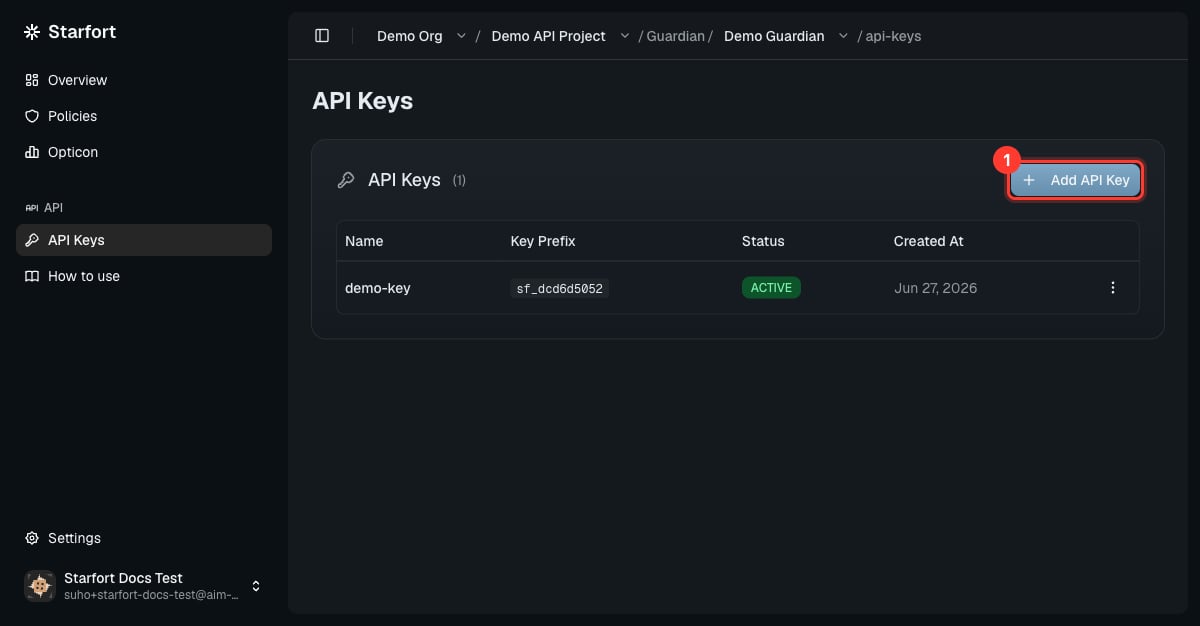
Create an API key
sf_. Copy it now — it cannot be retrieved later.
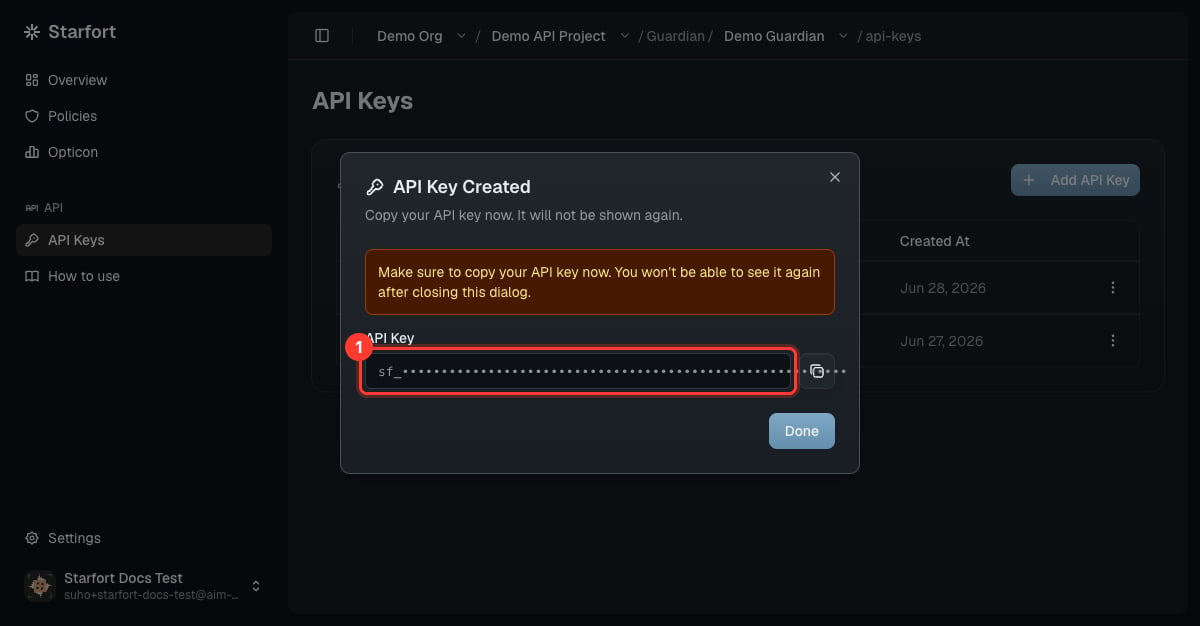
Copy the key now — it is shown only once
Key lifecycle
Active and Inactive toggle freely. Revoke is permanent: a revoked key can’t be reactivated — issue a new key instead.
A call with a missing/invalid/revoked key gets HTTP 401 — see Authentication and Errors & states.
Key state vs. Kill Switch
A key’s state and the Kill Switch are independent, and Starfort checks both on every request:- The Kill Switch (on the org, project, or Guardian) blocks traffic even for Active keys while it’s on. Your keys keep their state and resume normally the moment it’s cleared.
- While any Kill Switch above a Guardian is on, you also can’t create new keys there.