

1. Create the profile
Open Desktop Agent › Control Profile → Add. Give it a name (e.g. the AI service) and description.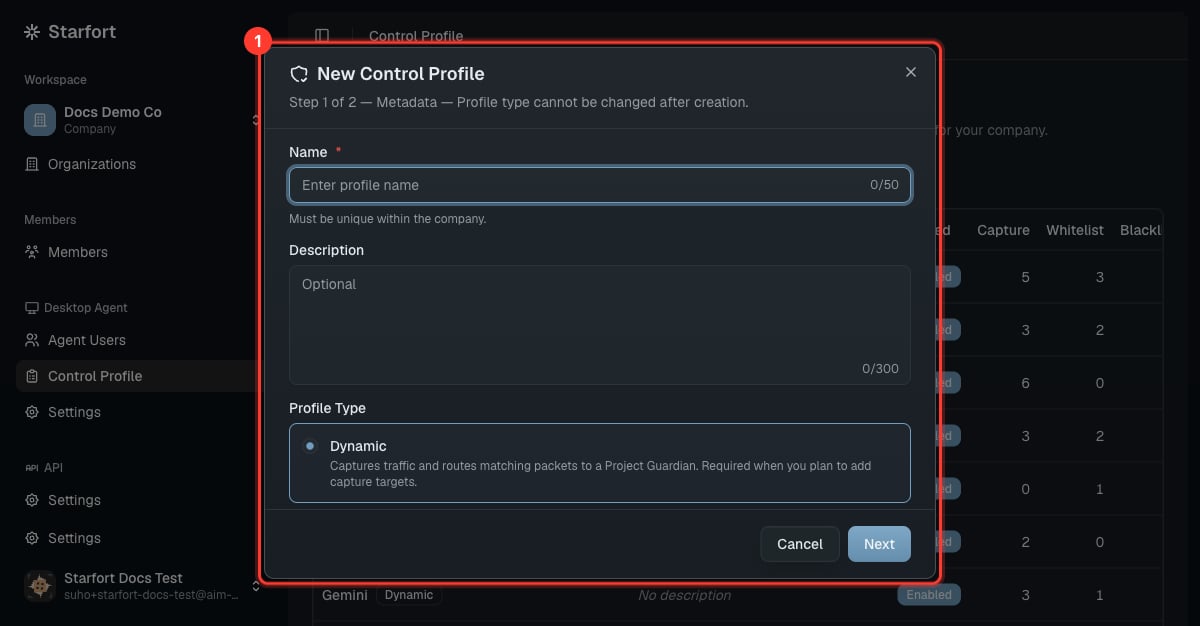
Create a Control Profile
2. Define the three mechanisms
- Add at least one Guardian target to make the profile Dynamic (it can evaluate with a Guardian).
- With only whitelist/blacklist and no targets, the profile is Static (filters only, no Guardian call).
id must be unique within its mechanism (the editor validates on save). Guardian-target entries also carry per-target options such as checkOutput, unmaskOutput, opticonLoggingEnabled, and userNotificationEnabled — see the rule schema in the glossary.
Use the JSON view to edit all three mechanisms precisely:
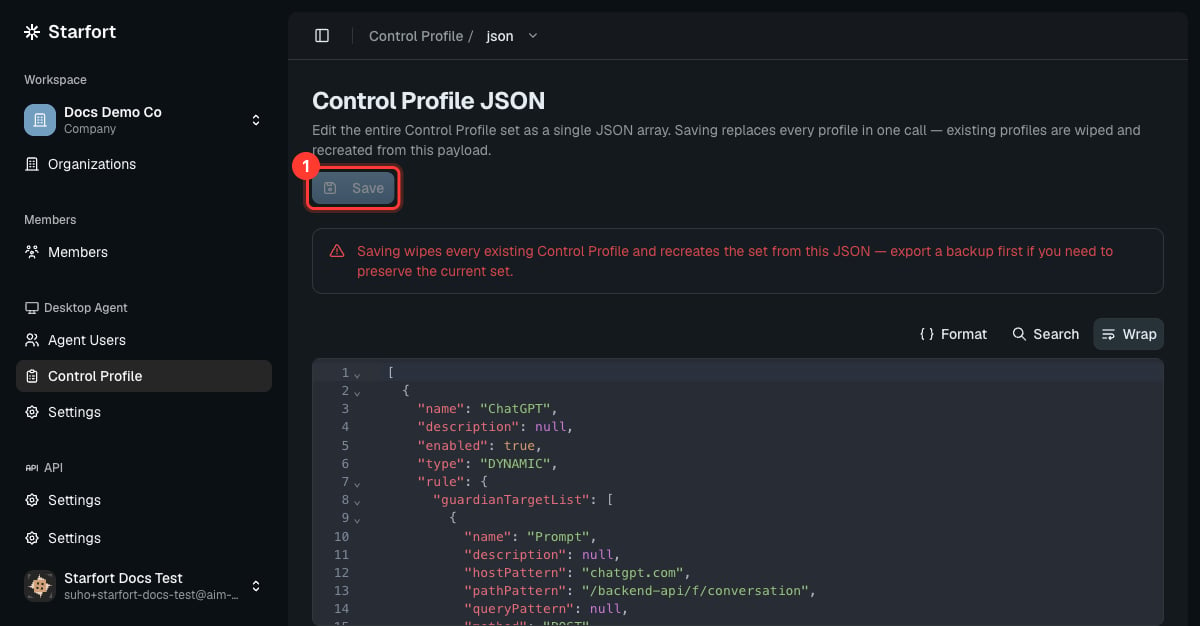
A profile's three mechanisms in JSON
3. Enable & scope
Enable the profile, and ensure it’s active for the Desktop Agent project that should use it. Assigned Agent Users pick it up automatically, and any later edit to the profile cascades automatically to every project and Guardian using it — no re-assign step. A Dynamic profile only actually calls a Guardian once it’s mapped to a Project Guardian (done when you register the Guardian or in its settings). Until then its Guardian targets are logged in Opticon but not evaluated.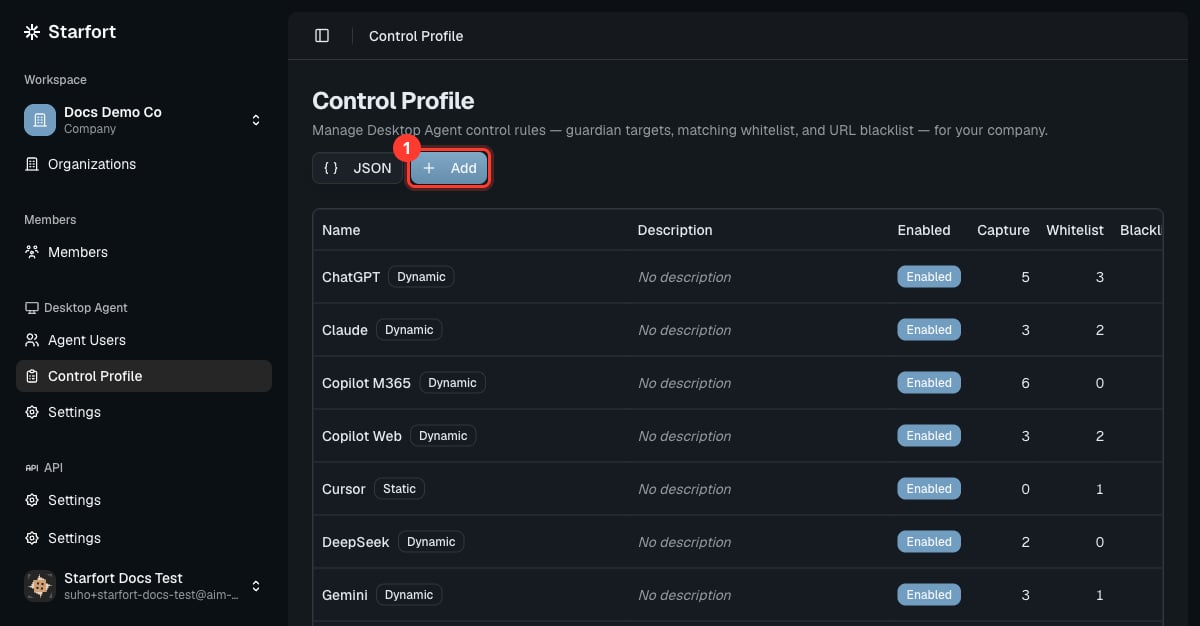
Enable the profile for the project